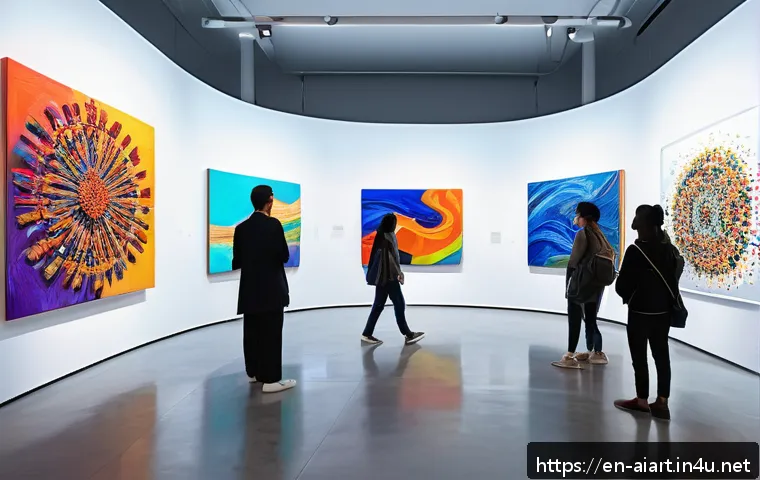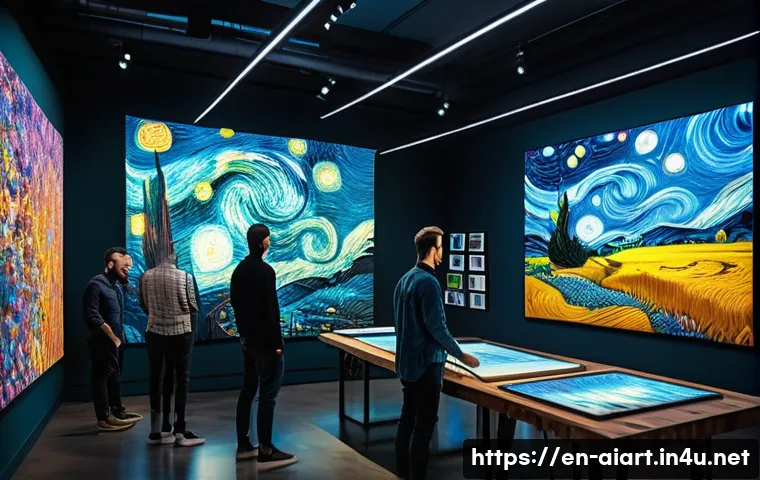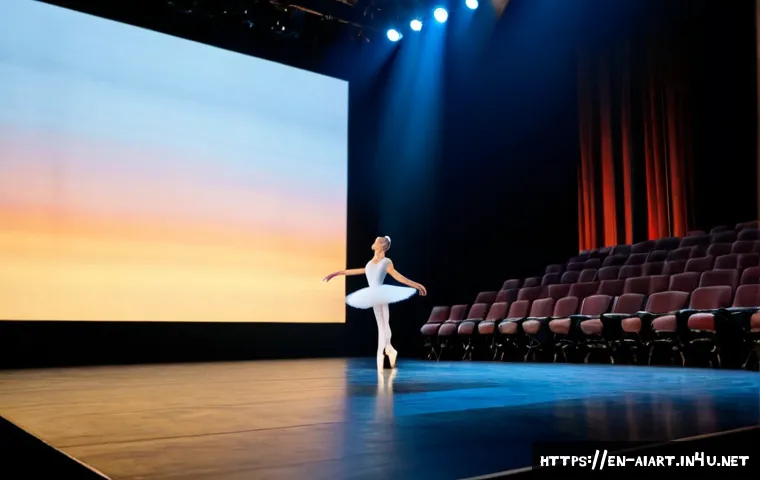
Paid AI creative tools are worth considering when they speed up exploration, drafting, or production planning while a human team retains final artistic and technical control.
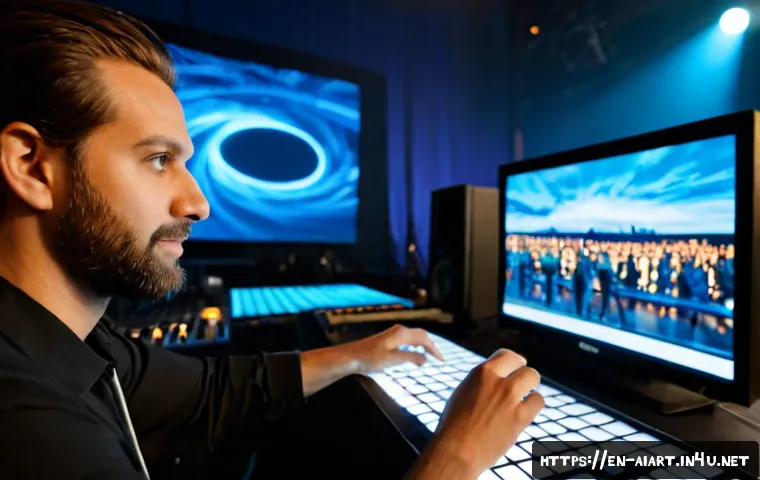
Conventional collaborators are usually the better investment when a project needs original authorship, performer-led interpretation, complex rights clearance, or dependable live-show delivery.
For performing arts teams, the practical question is not whether AI is “creative,” but whether it improves a specific workflow without adding avoidable licensing, editing, or rehearsal risk.
Image, video, music, writing, and planning tools can all assist a production, but they operate under different commercial-use terms and cost models. Review the full cost of subscriptions, credits, human editing, rights checks, and contingency planning before treating a platform as a production solution.
AI can generate possibilities quickly; it cannot take responsibility for the final work.
At a Glance
- Use AI to explore and accelerate: mood boards, draft copy, early sound ideas, and production-planning materials can benefit from fast iteration.
- Keep human direction in charge: narrative choices, performer consent, rights decisions, accessibility, and technical approval still need accountable people.
- Compare more than the subscription price: commercial-use terms, data policies, editing time, credits, and live-performance testing all affect value.
| Tool Category | Useful Production Tasks | Common Cost Model | Key Rights and Workflow Check | Human Review Needed |
|---|---|---|---|---|
| Image generation | Visual references, poster drafts, projection concepts | Subscription, credits, or custom licensing | Check commercial-use terms and source-material rules | Brand fit, accessibility, originality, final artwork |
| AI video tools | Motion tests, promotional drafts, projection experiments | Credits or subscription | Confirm export rights, data use, and venue playback compatibility | Editing, cueing, technical testing, backup media |
| Music, voice, and sound tools | Sketches, sound textures, rehearsal references | Subscription, credits, or licensing | Review voice consent, music licensing, and contributor agreements | Artistic direction, clearance, mix and performance use |
| Writing and planning tools | Marketing drafts, schedules, briefing documents, idea lists | Subscription or enterprise plan | Do not upload sensitive scripts or personal data without policy review | Accuracy, tone, confidentiality, final approval |
Where AI Adds Real Value in Live and Recorded Performance Work
The Short Answer: Accelerate Exploration, Not Artistic Responsibility
Generative AI can create or transform text, images, audio, video, and movement-related concepts from prompts or source material. That makes it useful for generating options before the creative team commits to one direction. A director might use it to discuss visual atmosphere; a producer might use it to turn rough notes into a clearer planning draft. The useful boundary is simple: AI may support the process, but people should own the final decisions.
Tasks That Benefit From Rapid Iteration
Visual mood boards, early projection references, poster copy drafts, social media concepts, rehearsal prompts, and draft production schedules can all benefit from rapid iteration. These are areas where a team may need many starting points rather than one finished asset. Paid creative software can be worthwhile if it reduces routine drafting and gives the team more time for rehearsal, design development, or audience communication.
Tasks That Still Need Human-Led Decisions
A generated output is not automatically ready for an audience. It may need editing to meet the show’s narrative, technical, accessibility, and brand requirements. Human-led review is especially important for scripts, choreography-related concepts, music, performer likenesses, and public-facing visuals. Productions often involve several rights layers, including scripts, music, recordings, visual assets, choreography, and performer agreements. No tool plan replaces a clear approval process.
Compare Creative Tools by Cost, Rights, and Production Risk
Image and Video Generation for Projections, Posters, and Concepts
Image and AI video platforms can help a team test an atmosphere or create a rough promotional direction. For public projection, final posters, and recorded promotional material, the risk is higher because those assets directly represent the production. Review the platform’s commercial-use terms, data-use policy, and any plan-specific licensing language before selecting a creative software subscription. Also test the exported files in the intended production workflow rather than assuming they will work in the venue.
Music, Voice, and Sound Tools: Licensing and Consent Considerations
AI music and voice tools can be useful for sound sketches or rehearsal references. However, sound is often tied to contributor agreements, performer consent, and licensing decisions. If source recordings, a performer’s voice, or other identifiable material are involved, establish acceptable-use boundaries before uploading anything. Do not treat a generated audio file as cleared for ticketed use merely because it was easy to produce.
Subscription Versus Credit Pricing: Calculate Total Production Cost
A monthly subscription can look simpler than a credit-based plan, but neither figure tells the whole story. Compare the likely volume of outputs, the need for higher-quality exports, the time spent refining prompts, specialist editing, rights review, and backup planning. Enterprise or custom-licensing options may offer different terms, but their suitability depends on the specific production. The better question is: Will this tool reduce total work without creating a larger approval burden?
Build a Responsible Workflow From Prompt to Performance
Define the Brief, Source Materials, Approval Owner, and Boundaries
Start with a short written brief. State what the tool is being used for, which source materials may be used, who approves outputs, and what the output must not replace. This protects the creative process from drifting into unplanned uses. For example, a platform may be approved for concept images but not for final campaign artwork, performer voice work, or confidential script material.
Review Outputs for Originality, Bias, Accessibility, and Brand Consistency
Generated material can be visually striking while still being unsuitable for the show. Review whether it supports the production’s tone, represents people responsibly, and works for the intended audience. Accessibility also belongs in the review: text in projected material, contrast, pacing, and the clarity of promotional assets can affect whether an audience can use the content. A human editor should check every public-facing result.
Test Files, Cues, Backups, and Playback Systems Before Opening Night
Live performance adds operational risk. Projection quality, latency, cue reliability, backup playback, and venue compatibility should be tested before opening night. An AI video output that appears fine on a laptop may behave differently within a show-control or playback environment. Keep a dependable backup version and make sure the stage management and technical teams know which asset is approved for each cue.
Choose the Right Approach for Your Production Context
Independent Artists and Small Companies
For a small company, AI may be most useful as a low-cost exploration tool. Use it for planning drafts, early visual references, or promotional starting points, then reserve limited human time for final creative work and rights-sensitive decisions. A paid platform may make sense when it is used regularly and has terms that fit the intended use. For a one-off asset with a high public profile, a traditional designer, editor, or composer may be the safer choice.

Schools and Community Groups
Schools and community organizations should put safeguarding, consent, and data handling ahead of convenience. Avoid unclear use of student materials, participant recordings, or identifiable personal information. Decide whether participants need to be told about AI assistance and whether funder, institutional, or local requirements apply. Clear boundaries help educators use creative tools without turning a workshop into an unmanaged data exercise.
Venues and Professional Producers
Larger venues and producers may need a more formal review process. Vendor terms, contributor agreements, audience disclosure expectations, technical standards, and procurement requirements can all affect the choice of platform or production service. A specialist contractor may be preferable where the deliverable must meet established technical specifications. Audience trust is part of the production value, not an afterthought.
Common Mistakes That Create More Work Than They Save
Treating Generated Material as Final Production-Ready Content
The fastest output is rarely the final output. If a team skips editing, quality control, and technical review, the time saved at the prompt stage may return later as revisions or rehearsal problems. Use generated material as a draft until it has passed the same production standards applied to any other asset.
Ignoring Commercial-Use Terms and Contributor Agreements
Commercial-use terms, data-use policies, and indemnity provisions can differ by plan and may change over time. Contributor agreements may raise separate questions about scripts, recordings, visual assets, choreography, and performers. Keep a record of the plan selected, the terms reviewed, and who approved the intended use.
Underestimating Editing Time, Technical Rehearsal, and Contingency Costs
A creative AI platform does not remove the need for a designer, editor, sound professional, stage manager, or technician when their expertise is needed. Budget for human review and technical rehearsal. If a live cue matters to the performance, plan for backup playback and venue testing rather than relying on a last-minute generated export.
Selection Criteria and Comparison Summary
Before choosing a platform, contractor, or traditional collaborator, check these points:
- Purpose: Is the output for internal exploration, rehearsal support, marketing, recording, or public performance?
- Rights: Compare commercial-use terms before choosing a plan, including data-use and licensing provisions.
- People: Are performer consent, contributor agreements, and approval ownership clear?
- Cost: Compare subscription fees or credits with editing time, specialist labor, rights review, and contingency work.
- Reliability: Can the asset be tested in the actual venue and backed up for live use?
For paid creative software, AI video services, music tools, or custom licensing, review the official plan details and commercial-use conditions on the relevant provider page before making a production commitment.
Final Thoughts
AI can be a practical assistant for performing arts teams when its role is defined early. It is strongest at generating options, organizing first drafts, and speeding up repetitive exploratory work. It is weakest when a team expects it to resolve artistic authorship, rights clearance, consent, or live technical reliability on its own. A responsible workflow keeps the creative direction human and treats every public-facing output as something that requires review.
Useful Information to Keep in Mind
Keep a simple asset record: note the tool used, the plan type, source materials, edits made, approval owner, and final performance use. This can make later production, licensing, and disclosure conversations easier.
Separate drafts from final files: label concept material clearly so it is not accidentally used as approved show media.
Ask early, not late: discuss AI use with relevant collaborators before material becomes embedded in rehearsals or marketing.
Important Considerations
Whether a specific AI output qualifies for copyright protection depends on the jurisdiction and the facts of the work. A platform’s training-data practices, commercial license, and suitability for union, funder, legal, or institutional requirements must be checked for the relevant production. Output quality, uptime, final cost, and technical compatibility also cannot be assumed in advance. Audience responses to AI-assisted work vary with context, disclosure, artistic quality, and community expectations.
Frequently Asked Questions
Q1. Is it safe to use AI-generated visuals or music in a ticketed performance?
A1. It may be possible, but it requires review rather than assumption. Check the applicable commercial-use terms, contributor agreements, performer consent, source-material rules, and technical readiness. A ticketed performance can involve multiple rights layers, so generated material should be approved within the production’s normal rights and quality-control process.
Q2. How much should a small theatre company budget for AI creative tools?
A2. There is no universal figure. Compare the subscription or credit cost with the number of outputs needed, editing time, specialist labor, rights review, technical testing, and backup planning. A tool that is inexpensive to access can still create a high workload if its outputs need extensive refinement.
Q3. Which AI tasks are most useful for performers and production teams without replacing artists?
A3. Practical low-risk starting points include visual mood boards, promotional copy drafts, planning documents, rehearsal references, and early sound or motion concepts. These uses can speed up exploration while leaving interpretation, final creative choices, consent, and public-facing quality control with the artists and production team.